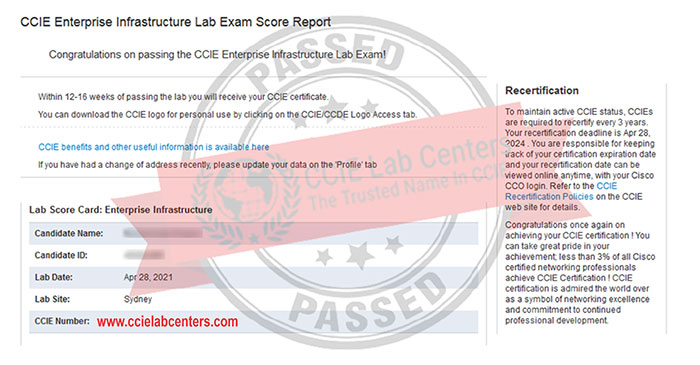

Recent CCIE DevNet Passed Results

CCIE Real Lab
CCIE Real Labs
CCIE Lab

Still wondering why it’s free?, Try it out!

CCIE Devnet Expert Lab Exam 50% OFF
VMware Workstation/Esxi
CCIE Devnet Expert Lab Exam 50% OFF

Download Content:

DescriptionMega LinksG’Drive Link
CCIE DevNet Lab: Lab Topology (.png)⬇️⬇️
CCIE DevNet Lab: Lab Workbook Module 1 + Module 2 (.pdf)⬇️⬇️
CCIE DevNet Lab: Eve-ng Lab (Full Lab built on eve-ng simulator)⬇️⬇️
VMware workstation⬇️⬇️

Lab Procedure/Steps:

    1. Download all materials from above provided links.
    2. If you are using VMware Esxi, Deploy new VM —-> drag&drop the four downloaded eve-ng files.
    3. If you are using VMware Workstation (v14+) —-> click on .ovf file (from the four downloaded eve-ng files) and follow normal installation process.
    4. For both VMware Workstation/Esxi specification required (VM Dedicate): CPU-16 cores & RAM-64GB
    5. After installation process completed, power on the VM.
    6. You will see an ip address on the eve-ng screen
    7. Open Mozilla Firefox browser and use the ip address to open eve-ng GUI
    8. Click on: CLC CCIE DevNet Lab……
    9. Click Open
    10. Now switch on the devices one-by-one or all together as required
    11. For integration of Secure CRT/Putty, download Windows Client Pack (free) from

Connect with us at
Website: https://ccielabcenters.com
Mail: [email protected]
Forum: https://cciestudygroup.org
Telegram Sales & Support: https://t.me/ccielabcenters
Whatsapp Sales & Support: https://chat.whatsapp.com/FCCdbnX0DaMGz5zj3Xj8E7
Telegram Channel: https://t.me/ccielabcenters
Telegram Group: https://t.me/cciestudygroup
Note:

1. If you face any issue while Eve-ng Installation process visit: https://www.eve-ng.net
2. For CCIE EI Lab Guidance Join our CCIE Study Group on Telegram: https://t.me/cciestudygroup
3. If you want to pass CCIE Enterprise Infrastructure Lab Exam, get the full version now
https://ccielabcenters.com/products/ccie-enterprise-infrastructure-lab-workbook/